About the Game
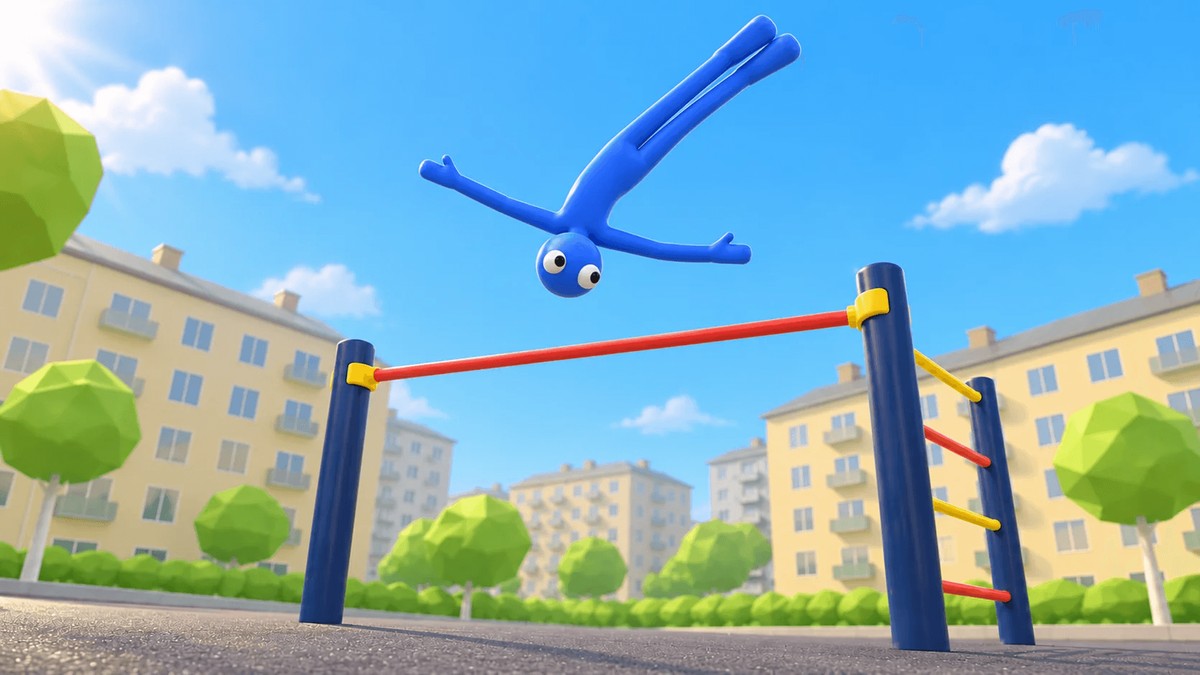
Pull-up Bar Tricks is a free gymnastics and street workout simulator built around body physics. Swing a stickman on the bar, release at the right moment, spin through a flip, and catch the bar again. Arm and leg positions directly affect momentum and rotation, so every trick comes down to speed and timing rather than a fixed animation.
Beyond the bar, ground-level flips and landings are available to practise, and individual moves can be linked into combinations. Experience and coins accumulate for completed tricks, unlocking new playgrounds and character skins. Attempts can be saved as replays, watched in slow motion, and shared; game speed is adjustable to help work through a difficult move, and the control layout can be customised to suit your preferences.
Game Features
- Physics-driven tricks. Momentum and rotation respond to arm and leg positions — every flip is timing and speed, not an animation.
- Bar and ground lines. Release, flip, and regrab on the bar, or practise ground-level flips and landings, chaining moves into combinations.
- Progression. Experience and coins from completed tricks unlock new playgrounds and character skins.
- Replays. Save attempts, watch them in slow motion, and share them.
- Adjustable difficulty helpers. Slow the game down to learn a move and rearrange the control layout to fit you.
Controls & Setup
- Press Play Online to load the game right on this page, or open the official Pull-up Bar Tricks page on Playgama as a backup.
- Arms and legs: A lowers the arms and D raises them; ← swings the legs forward, → straightens them, ↑ straightens and ↓ bends the legs (press Shift together with a pose key for 50% strength) — build momentum before you release.
- Turn and pose: Q / E turn the body, W scissors the legs, and S sticks the feet to the floor (X unsticks). Let go of the bar with the on-screen Let Go button — Space is not bound in the current version. In mouse mode the left button tucks and the right button arches (press and hold either).
- Session tools: R restarts the attempt, J replays it, G toggles reduced gravity, H adjusts the game speed, and Esc pauses; use the Settings menu to rearrange the control layout when working out a difficult sequence.
A note on mobile: the official page lists on-screen controls and buttons for full input on phones and tablets. The in-page play on this site was verified with a desktop keyboard — for a touch session, use the official page.